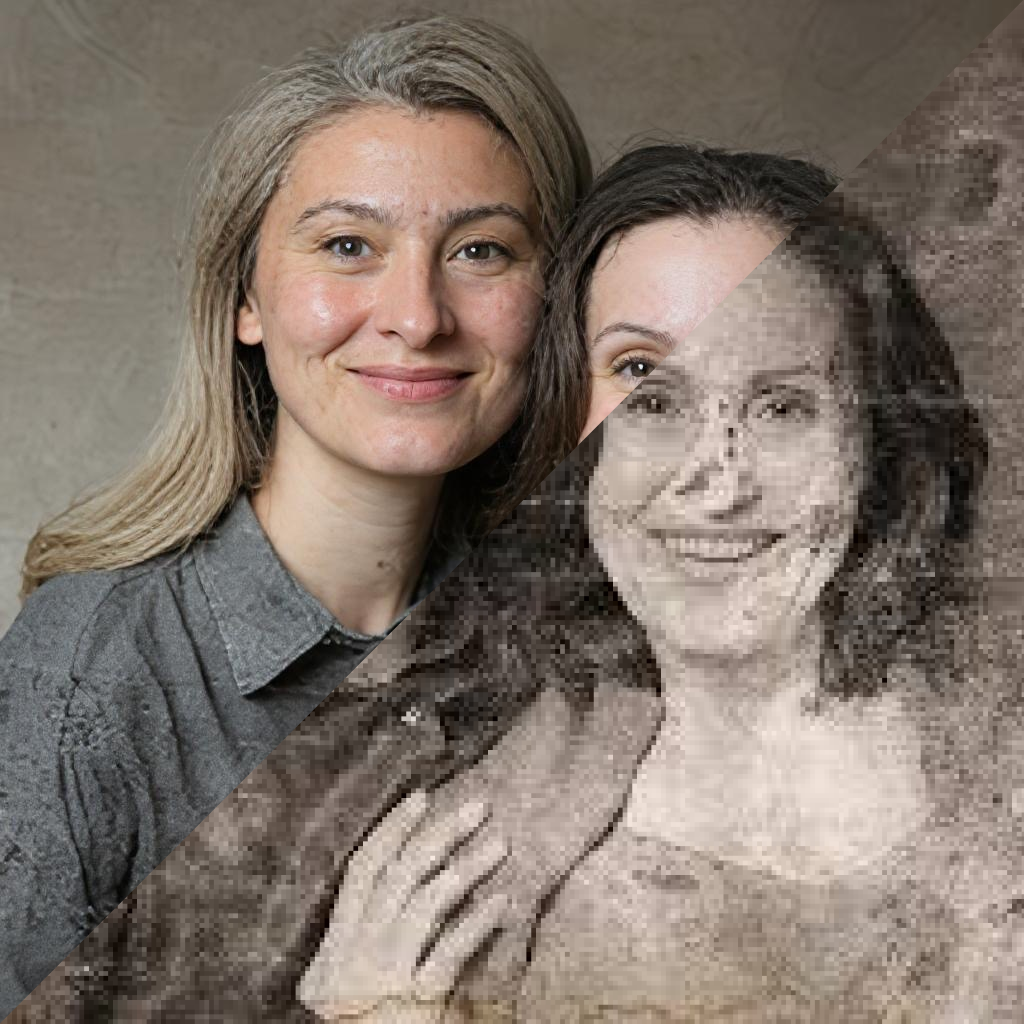
Restore Old Damaged Photos with Restore Photos AI
Repair scratches, sharpen faces, colorize black and white pictures, and preserve family memories with one tap.
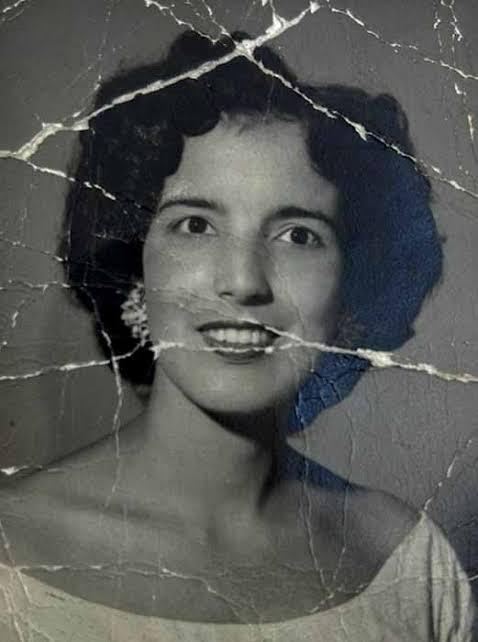

Bring Your Memories Back to Life with AI
Select a photo, let the AI restore it with one tap, and view the restored result in seconds.
AI Photo Restoration
Repair faded, torn, and time-worn photos while keeping faces natural.
Learn moreScratch Removal
Reduce creases, stains, folds, and scratches from scanned family pictures.
Learn moreFace Enhancement
Bring soft portraits back into focus with sharper facial detail.
Learn morePhoto Colorization
Turn black and white photos into warm, believable color memories.
Learn moreLighting Fix
Balance dark, washed-out, or low-contrast photos for easier viewing.
Learn morePhoto Combining
Create meaningful compositions from separate portraits and moments.
Learn moreNoise Removal
Clean up grain and digital noise from old scans and low-light photos.
Learn moreHD Print Quality
Prepare restored images for albums, frames, and family archives.
Learn moreHow It Works
Designed for everyday family photos, inherited albums, and old prints that deserve a clean digital version.
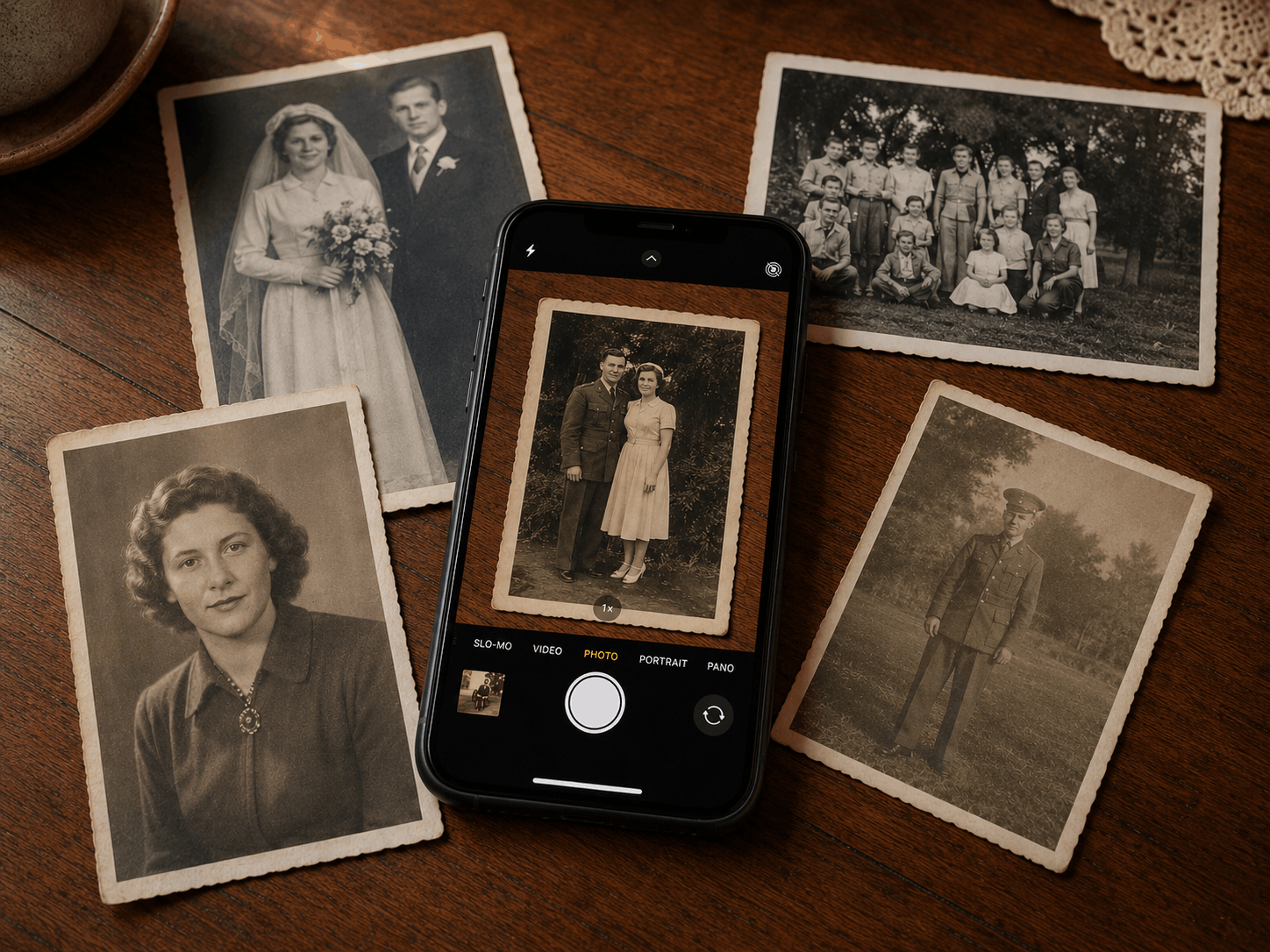
Choose a photo
Start from your library, a scan, or a clear camera capture.
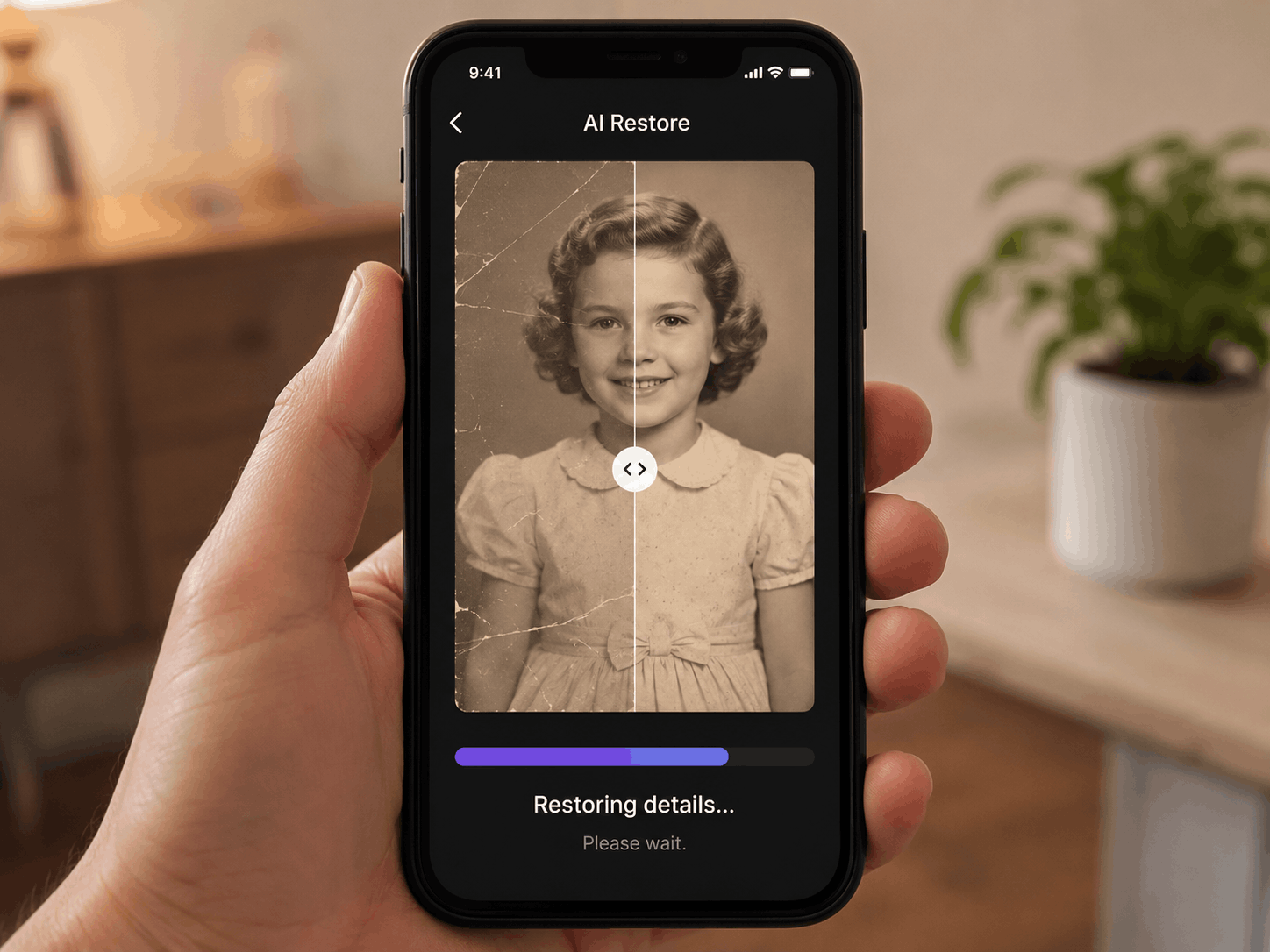
Use the App
Restore your photo in one tap for instant results.
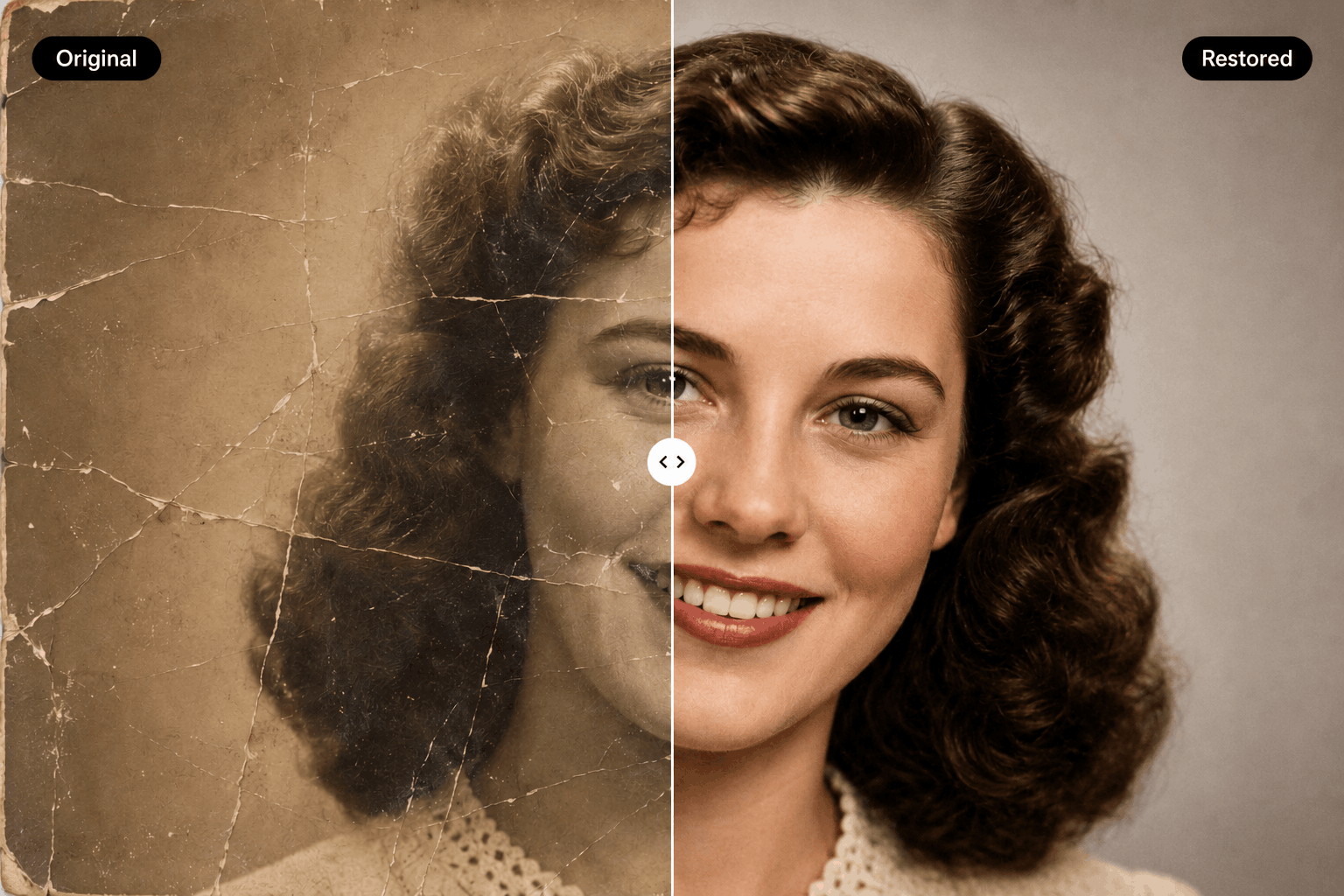
Compare the result
Review the original beside the improved image before you save.
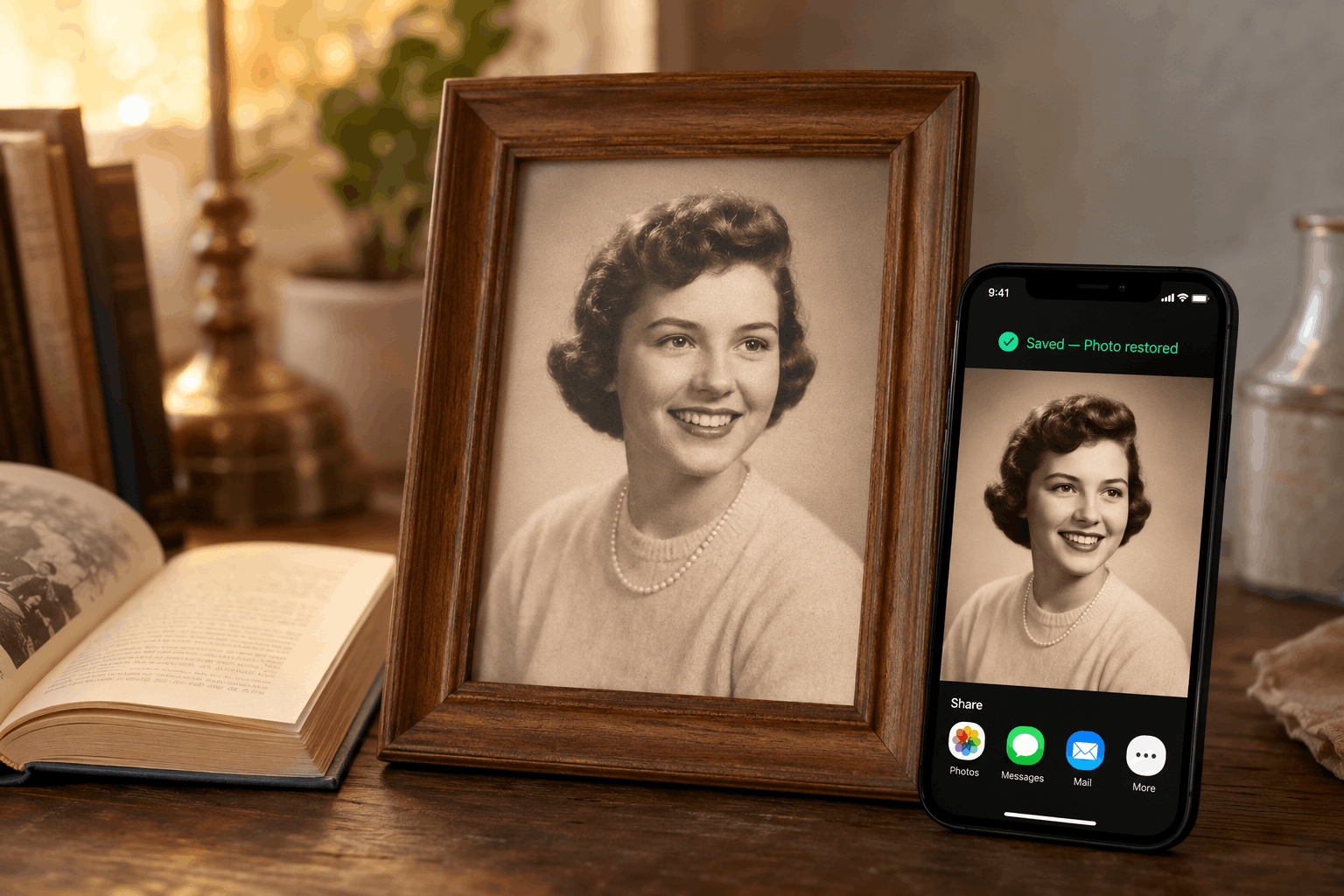
Save and share
Export a cleaner copy for albums, frames, and family messages.
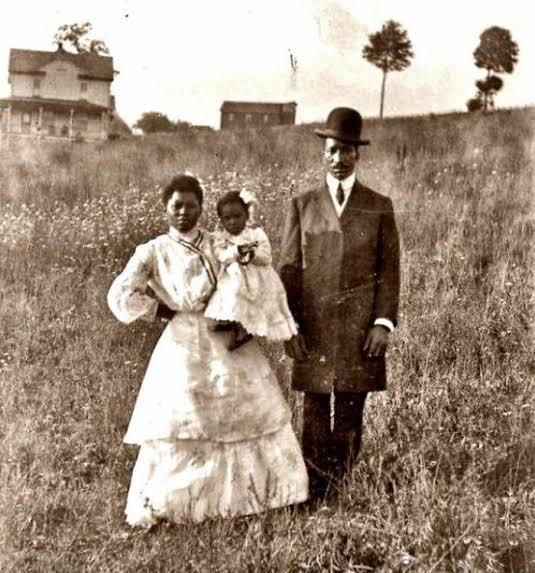
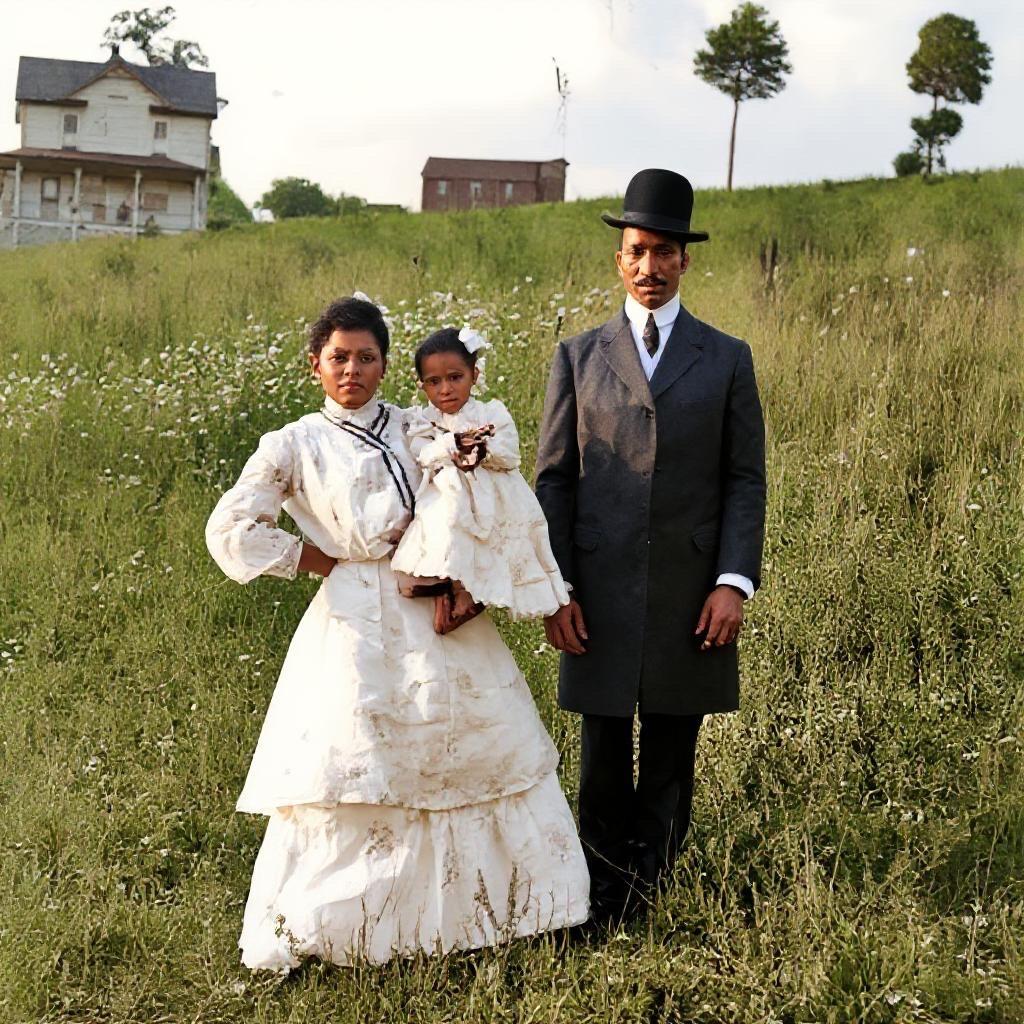
See the transformation
Repair damage, restore detail, and add natural color.
Use restoration for scratches and fading, face enhancement for portraits, and colorization to make black and white photos feel easier to share.
Loved by Families
Built for practical preservation, not complicated desktop editing.
Family archive restoration
It made my grandparents' wedding photo feel clear again without making it look fake.
Quick compare workflow
The before and after view helped me choose the version I wanted to save.
Batch family sharing
I used it on a box of scanned family photos and shared the restored versions the same night.
Photo Restoration Guides
Learn how to scan, restore, colorize, and protect old family photos.
Questions Before You Start?
Here are the basics for restoring old pictures with Restore Photos AI.
Start with the photo that matters most.
Repair, colorize, compare, and save a cleaner copy from your iPhone.